
The desk
A quiet screen for each part of the books: invoices, bills, the inbox, the bank, payouts and the books themselves. Forward a bill by email and it is read and waits for you on Bill review.
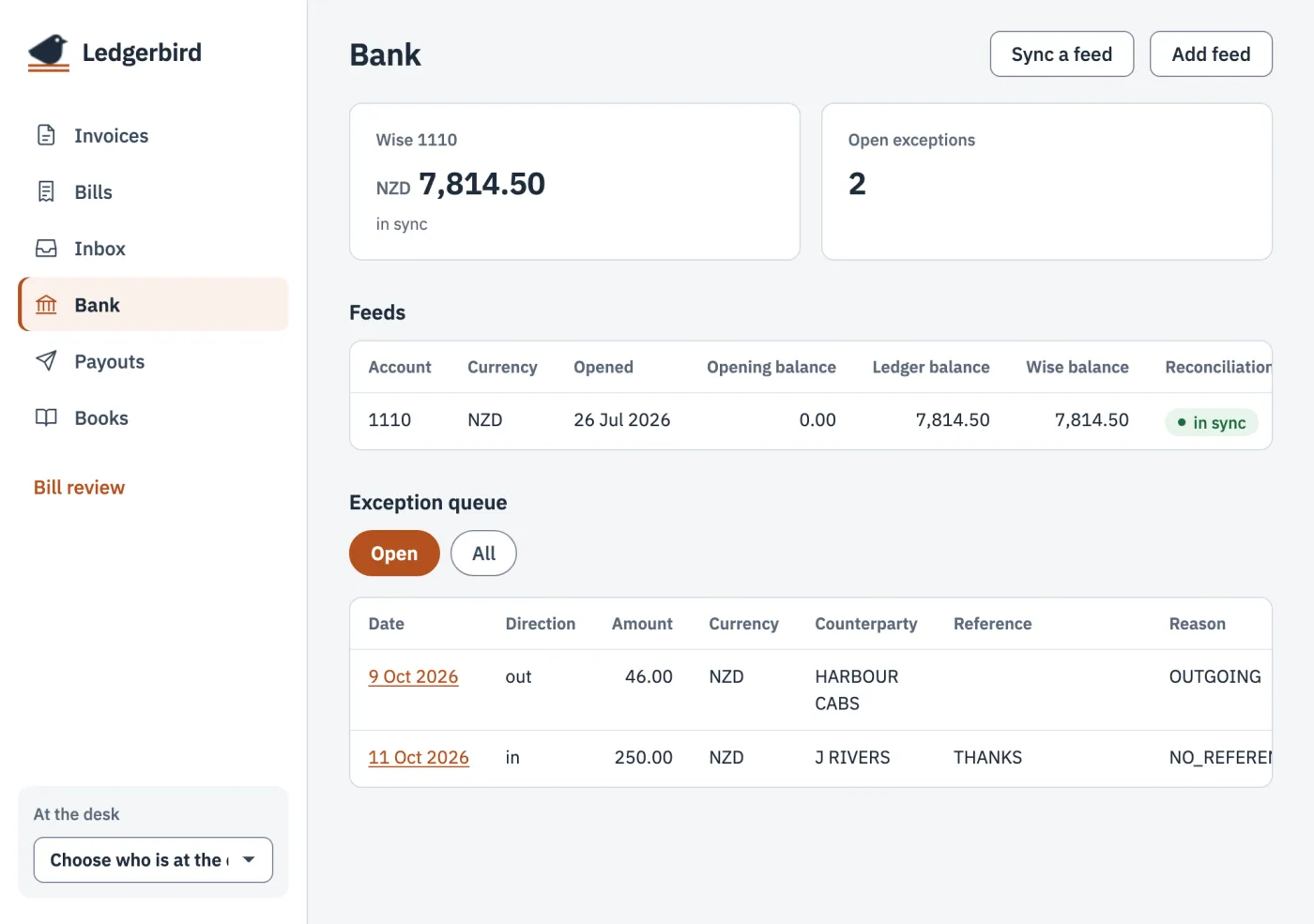
We built Ledgerbird to keep the books for our own business. It is double-entry accounting for one-person businesses in New Zealand: invoices, bills, GST and the bank. Run it from a web desk or from your own AI agent. Export the whole book whenever you like.
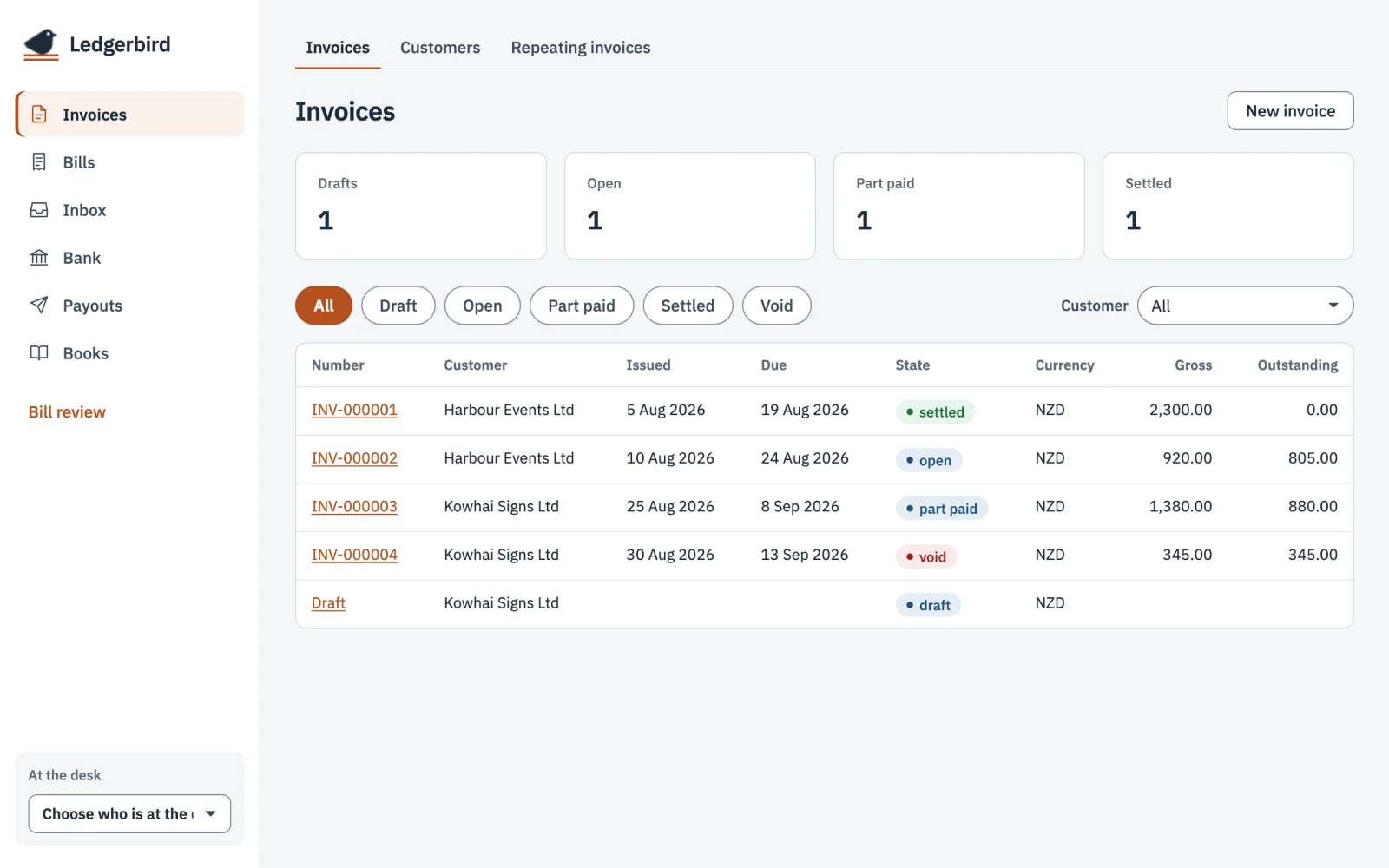
Both work on the same books. Draft with your agent, then check it on the desk.
A quiet screen for each part of the books: invoices, bills, the inbox, the bank, payouts and the books themselves. Forward a bill by email and it is read and waits for you on Bill review.
Ledgerbird has an MCP server, the standard way AI agents use outside tools. Connect Claude Code, Claude Desktop or any MCP host and it can run the books with 26 tools: invoices, customers, bills, bank exceptions, payouts, GST return figures, tax estimates and the Xero export. Anything that cannot be undone waits for your yes.
Send an invoice for $122 to Harbour Events for Friday's work.
list_customersFound Harbour Events Ltd.
create_invoice_draftDraft invoice created.
Draft for Harbour Events Ltd: Friday's work, $122.00 plus GST. Issue it now? An issued invoice and its PDF never change.
Yes, issue it.
issue_invoiceIssued INV-000005.
Your books should outlive any app, ours included.

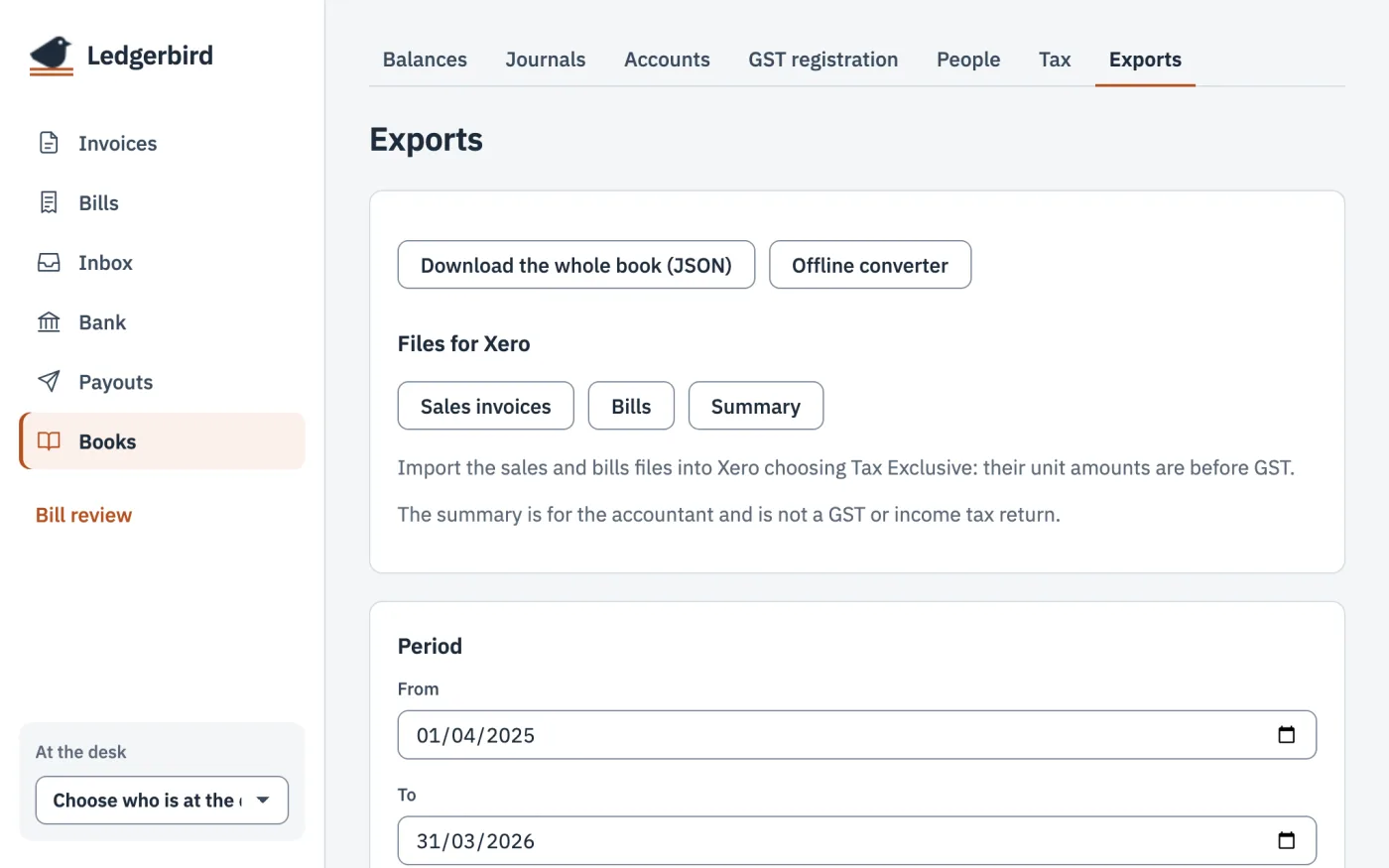
Download every table, every invoice PDF and every attachment as one JSON file, whenever you like. No request and no wait.
The export follows the ledger's own schema, column for column, so anyone can read it without us.
The engine that posts every entry is open. You can check how your numbers are made.
One HTML file, about 50 KB. Open it from your own disk, choose your export and a period, and it writes the Xero import files in your browser. It asks no server for anything.
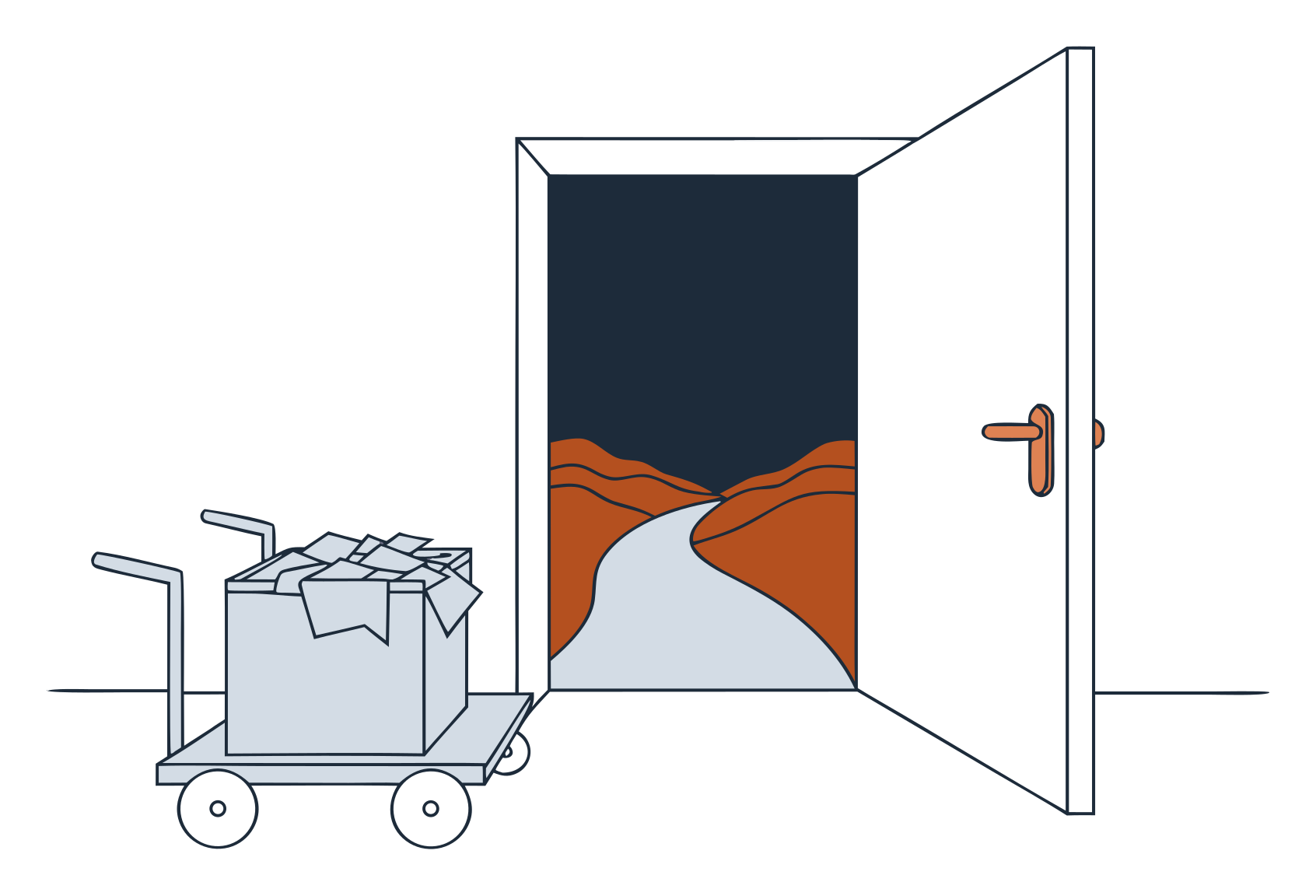
When you outgrow Ledgerbird, move to Xero. If Ledgerbird is gone by then, you can still go.
On the desk, Books then Exports. One JSON file.
Choose the file and a period. It checks the sales and bills files against Xero's import template.
Bring in sales invoices and bills as Tax Exclusive. Give the summary to your accountant.
Everything in the first list is built and keeps our own books. Nothing in the second list exists yet.
Tax figures are estimates for you and your accountant to check. They are not returns and not tax advice.
We built Ledgerbird for Gantry, our own business, and it keeps our books today.
Sharing it costs us little, so we charge nothing. There is no paid tier and nothing to upgrade to.
If more people join than we can look after, we will review how it runs. Your export and the converter keep working whatever we decide.
A small free tool that makes leaving easy is one you can trust.

Sign-up is not open yet. Leave your email and we will tell you when it is.